
After my wife bought me a Bitaxe 602 for Christmas, I got the bug for Bitcoin hashrates and decided to buy one from AliExpress. Buying from AliExpress can be very hit-and-miss, but there are some good companies on there to make purchases from.
There are a couple of caveats, though:
1: If the description says “Buy two, get a third free” or “Contact us on WhatsApp for the best prices”, then run like hell. No good will come of it, and you will end up out of pocket.
2: If the price is too good to be true, then it probably is.
That being said, I spent some time looking through Facebook groups and found one particular seller that had very good feedback: Bitsoloplayer.
So I took the plunge and ordered a NerdQaxe++ to sit alongside my BitAxe 602. The 602 has been churning away quite happily for a couple of months, but to mine some Bitcoin, I needed to increase my odds – and it is really just odds. It’s a total lottery (which is why they are called “lottery miners”). But every little helps!
I ordered the device on the 5th February, and it arrived today – Valentines day. 9 days. Not bad at all.
NerdQaxe Bitcoin miner unboxing
It arrived in a bubble wrap bag, with a bit of a dent in it, thankfully the box contains a decent amount of foam to protect it.
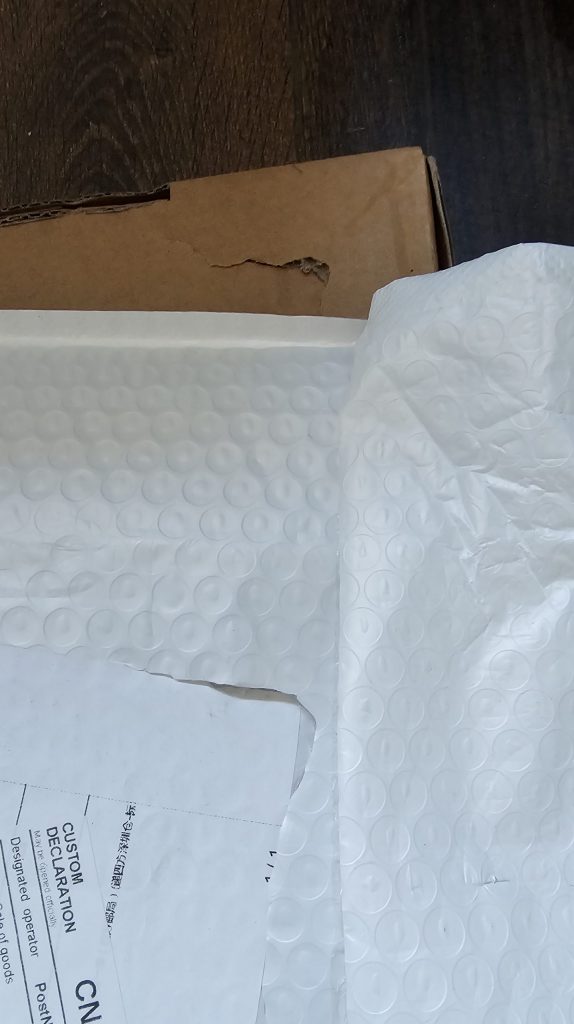
Opening the box, I could see one issue immediately. The little Lilygo screen was slightly detached, but it’s easy to fix that with a little pressure to pop it into place.
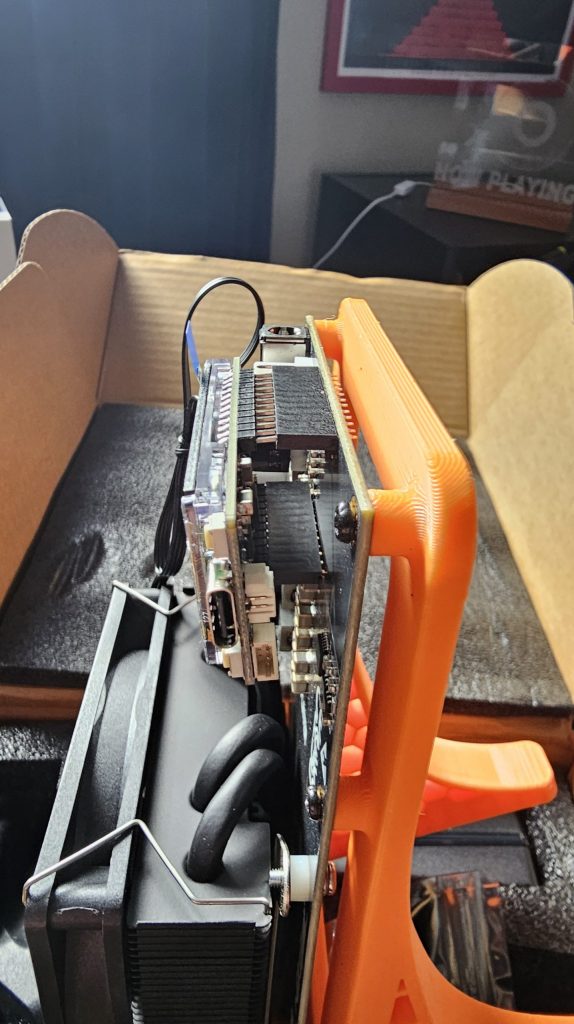
The power supply comes in the form of a 12v 120w brick, with a UK plug, so plug that in, attach the power to the miner and you can start to hear the fans. More importantly, the screen comes alive.
NerdQaxe setup
AxeOS devices are a breeze to set up. You connect to the wifi AP (2.5GHz), and then browse to http://192.168.4.1. From there, you configure your proper WiFi credentials, save the settings, give it a reboot, and it’s on your network. But be careful here. I got a big warning!
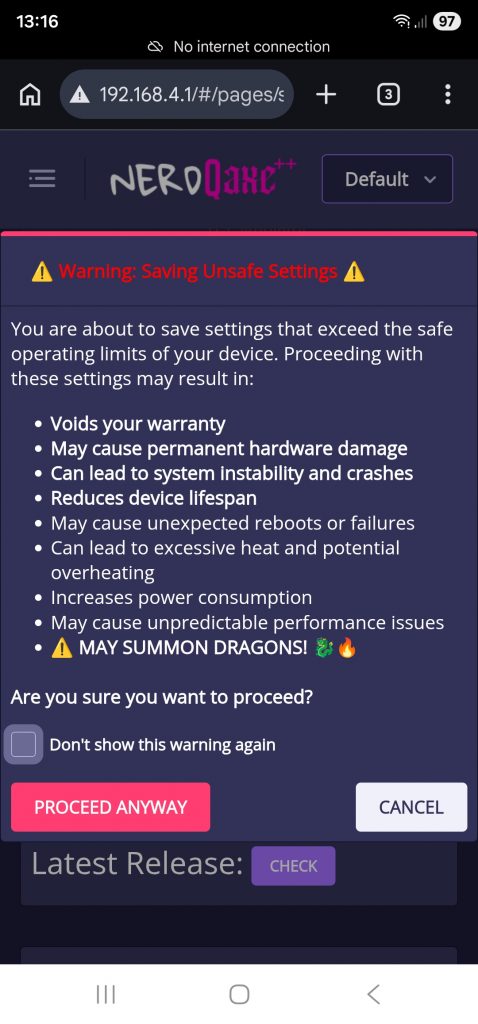
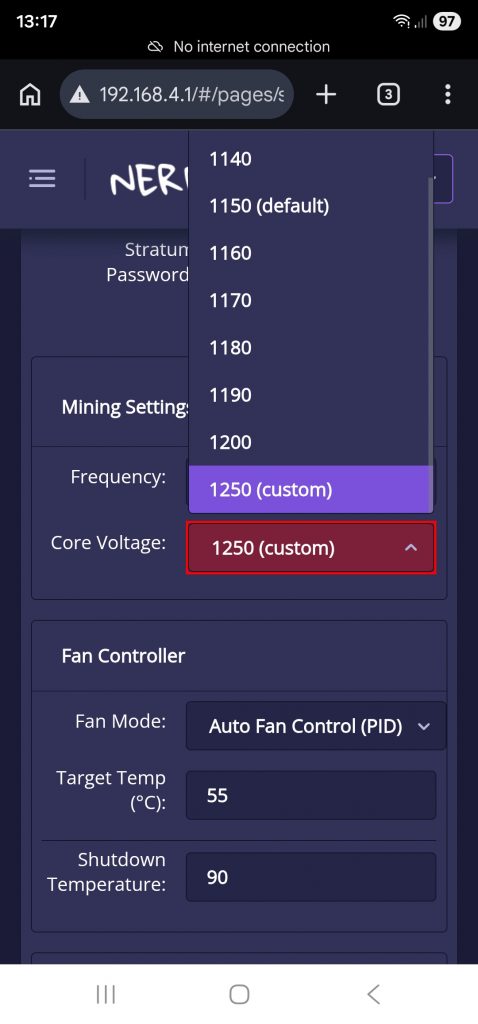
While I think having a dragon would be pretty cool, I’m going to be cautious, so I set everything back to defaults. This has been shipped with a bit of overclocking. True, this would mean a higher hashrate, but I’m happy to keep things at default (at least for the time being, while it settles in).
I set the fan to auto (it was set at 100) and the frequency down to 1150 from the 1250 it came set at.
Once you’ve saved the settings, you can add it to the mining pool of your choice. Mine is a self-hosted BCH (Bitcoin Cash) node running on Umbrel on a 16GB RaspberryPi 5 with a 2TB NVMe drive (housed in a Pironman 5 Max case).
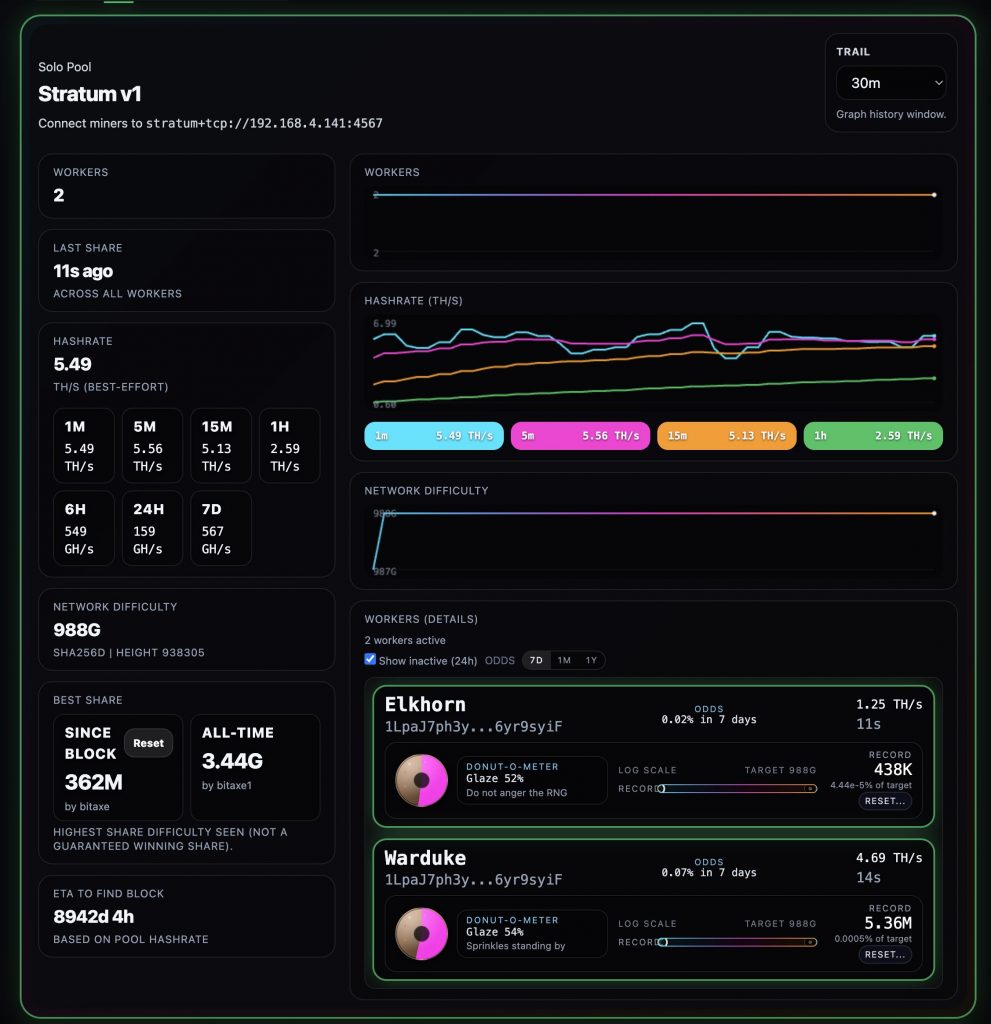
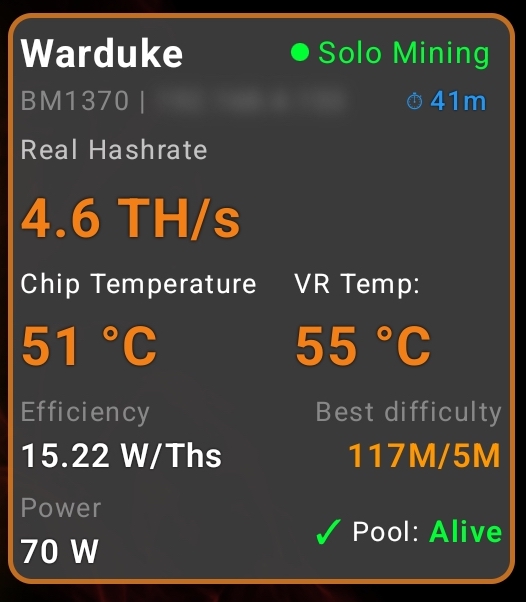
The NerdQaxe seems to be quite happy. I’ve named it Warduke. I’ve also added it to Hashwatcher:
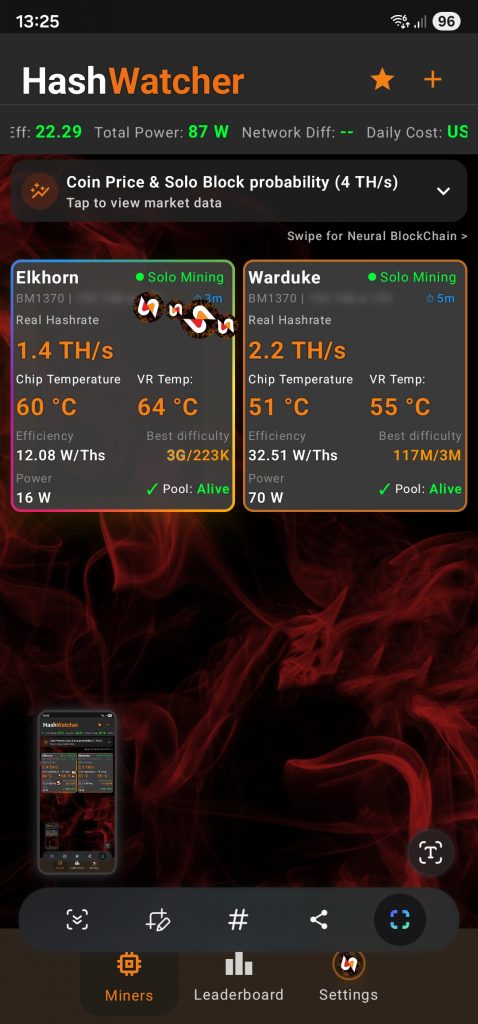
After a little while, the hashrate has more than doubled:
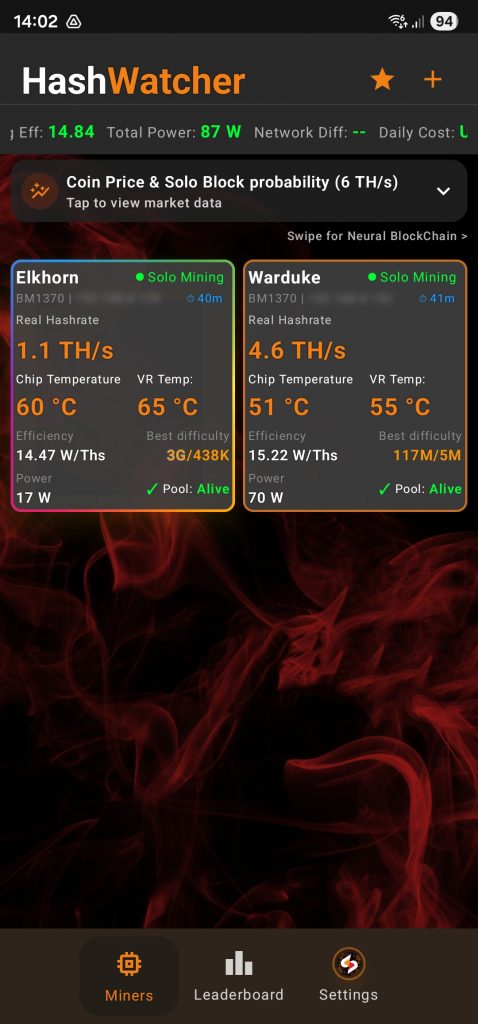
The ASIC chip and VR (Voltage Regulator) are coping nicely, so I can afford to push them up a bit if I want to.
So, for my first miner purchase from AliExpress, it’s been a good experience. Just make sure you do your research first and remember to only buy through AliExpress and not WhatsApp, and stick to reputable sellers.